
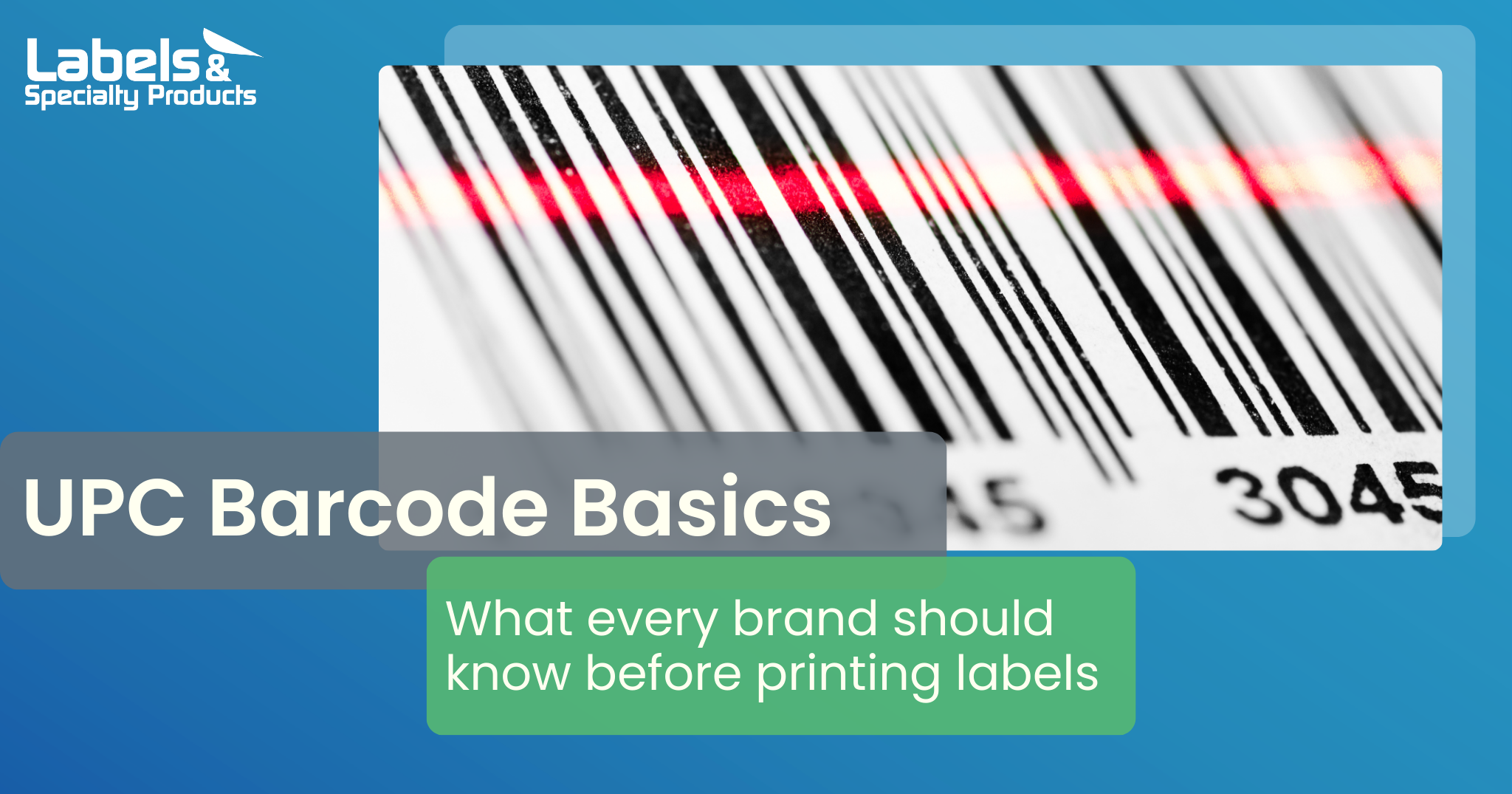
A UPC barcode may not be the most artistic part of your label, but it is one of the most important. Without a clean and accurate barcode, your products may not scan consistently at the register, in the warehouse, or anywhere else in the supply chain. That can lead to headaches for retailers, delays for distributors, and costly reprints for your team.
To help you avoid issues and keep your products moving, here is a simple breakdown of what makes a UPC barcode truly ready for the market.
What Is a UPC Barcode
A UPC (Universal Product Code) is a twelve-digit number assigned to retail products. This number identifies both the item and the company behind it. The barcode itself is the machine-readable version of that same twelve-digit code.
Each part of the UPC tells the scanner something important.
• The first six digits identify your GS1 company prefix
• The middle five digits identify your specific product
• The final digit is a check digit used to verify accuracy
To use UPCs, manufacturers must join GS1, the global organization that manages barcode standards. GS1 issues your unique company prefix, and you assign item numbers to each product you create. The final check digit can be calculated using the GS1 online tool.
How to Design a UPC Barcode That Scans Every Time
Barcodes receive a grade from A through F based on how reliably they scan. A low grade can lead to slow checkouts, rejected shipments, and unnecessary waste. Here are the most important elements to consider.
Maintain a Quiet Zone
Every barcode needs a blank space around it known as the quiet zone. Without this clear margin, the scanner may pick up nearby artwork or text and misread the code.
General quiet zone guidance includes one of the following measurements.
• Ten times the width of the narrowest bar
• One eighth of an inch
Giving your barcode enough open space is one of the easiest ways to prevent scanning issues.
Use High Contrast Colors
Scanners rely on contrast to read a barcode accurately. Black bars on a white background provide the most reliable result because the scanner expects strong light reflection from the background and minimal reflection from the bars. Red and yellow do not reflect light in a helpful way for scanners. If your brand calls for a unique color combination, always test the barcode using multiple scanners before moving forward.
Choose the Right Size
The size of your barcode directly affects its readability. Larger barcodes are easier to scan, but available label space will guide your final decision. Recommended sizes for UPC symbols are listed below.
• Minimum size is one point one seven five inches wide by zero point eight one six inches high
• Maximum size is two point nine three eight inches wide by two point zero four inches high
Keeping your barcode within this range provides the best likelihood of successful scanning in retail environments.
Send the Barcode in the Correct Format
When you submit artwork to your printing partner, make sure the barcode files are clean and compatible. Acceptable formats include the following.
• PDF or EPS of the barcode
• A high resolution image file of the barcode
Sending the correct format from the start helps ensure a smoother production process.
How LSP Ensures Your Barcodes Are Retail Ready
At Labels and Specialty Products, we know that small details in a barcode can create big problems in the field. Our team reviews every UPC for size, contrast, spacing, and print quality before your labels ever reach the press.
If we see anything that may cause issues, we will work closely with you to resolve it. Our goal is to deliver labels that scan correctly, meet retail requirements, and support a smooth production process from start to finish.
If you are ready to improve your label quality or want an experienced team to review your UPC barcodes, contact us today to discuss your next project.







Leave a Comment